Gemini, Google’s AI assistant, can be a useful study partner for UPSC. It can explain a hard topic in simple words, quiz you, summarise a long report you upload and help you plan your week. But it can also make mistakes with facts, dates and numbers. Use it to understand and practise, and check every important fact against an official source.
This post shows six practical uses, gives you prompts to copy and explains where Gemini goes wrong.
What Gemini Is Good For
Gemini works like other AI chat assistants: you type a question, and it answers in a conversation. It also has a few features that suit students. Google has added study tools such as Guided Learning, which explains a topic step by step and checks your understanding, and Gems, which are custom versions of Gemini you set up for a fixed task. Features and free limits change often, so check the Gemini app itself for what is available to you.
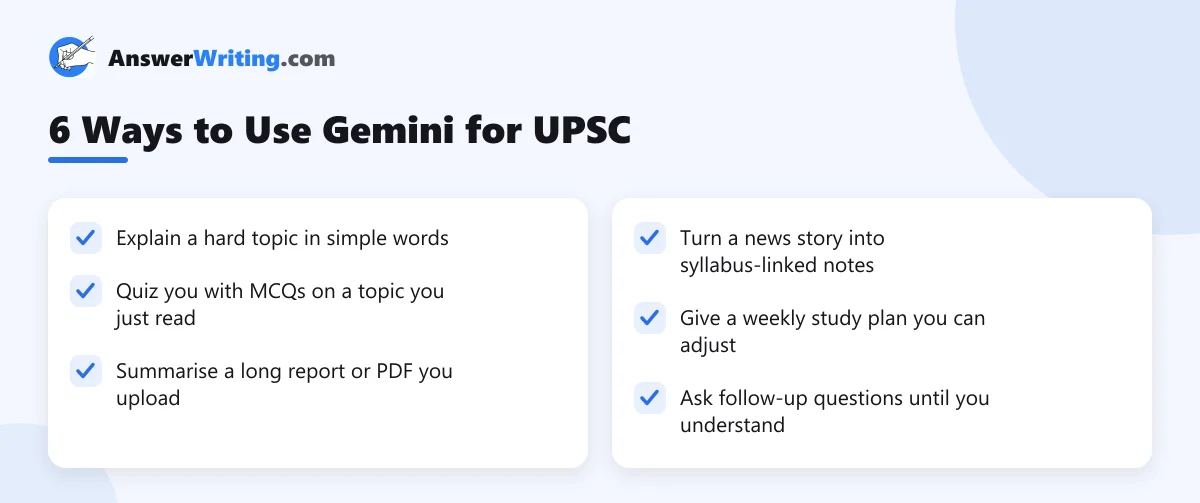
1. Understand hard topics
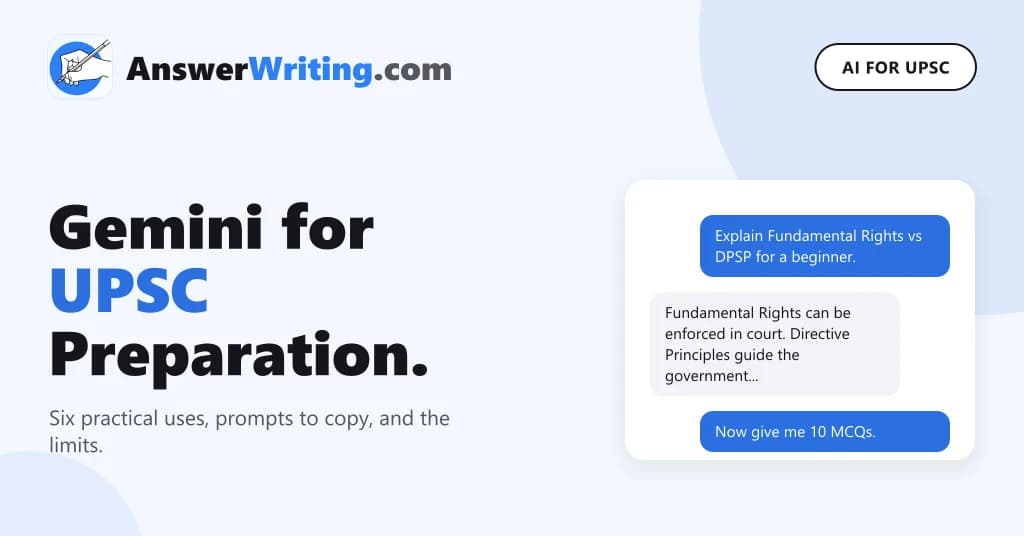
Ask Gemini to explain a concept as if you are a beginner. Then ask it to explain again with an Indian example.
Prompt: “Explain the difference between the Directive Principles and Fundamental Rights for a UPSC beginner in 150 words. Then give one Indian example of each.”
2. Practise MCQs
After reading a chapter, ask Gemini to test you. Ask for the answers only after you try.
Prompt: “Give me 10 UPSC Prelims-style MCQs on the Indian monsoon. Do not show answers until I reply with mine. Then explain each answer.”
Treat its MCQs as practice only. Some questions or answers may be wrong, so check doubtful ones in your NCERT or standard book.
3. Summarise long reports
You can upload a PDF, like a chapter of the Economic Survey from indiabudget.gov.in, and ask for a summary.
Prompt: “Summarise this chapter in 10 points for UPSC Mains GS3. List any data in a separate table with the page number.”
Asking for page numbers makes it easier to check the summary against the original.
4. Link news to the syllabus
Prompt: “Here is a news report. Tell me which part of the UPSC GS syllabus it relates to, and give me three possible Mains questions on it.”
5. Plan your study
Prompt: “I have 4 hours a day for UPSC and 10 months to Prelims. Make a weekly plan for Polity, History and Geography with one revision day a week.”
Adjust the plan to your own life. A plan you can follow is better than a perfect one you cannot.
6. Make a Gem for a fixed task
If your account has Gems, you can set one up once and reuse it. For example, a Gem told to “always answer in simple English for a UPSC beginner, give an Indian example and end with two practice questions” saves you typing the same instructions every day.
Where Gemini Goes Wrong
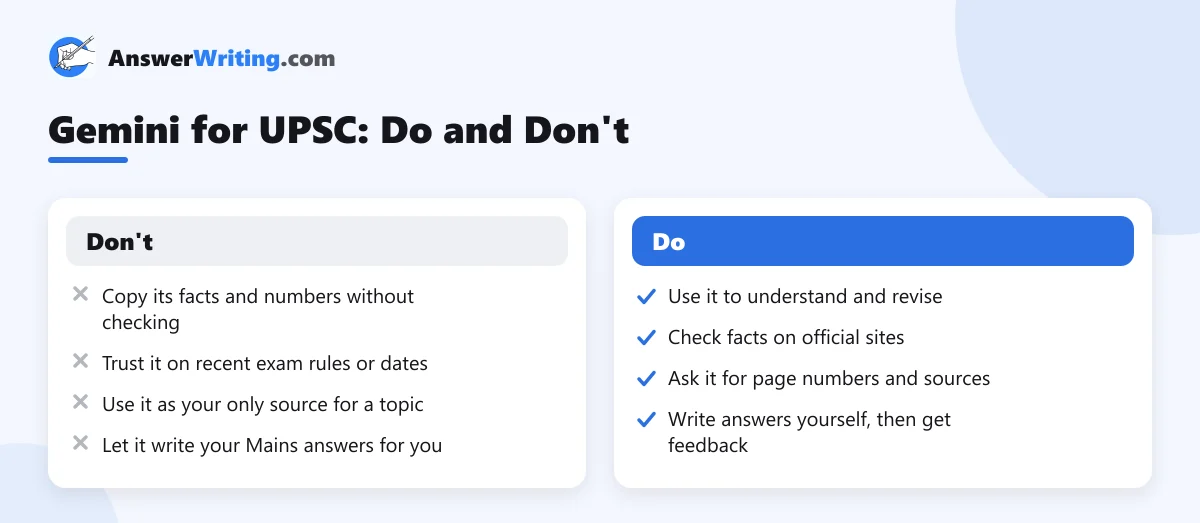
Like every AI chat tool, Gemini can produce answers that sound right but are wrong. This is often called “hallucination”. It happens most with:
- Exact numbers, dates and data.
- Recent events and new government schemes.
- UPSC rules, like age limits, attempts or exam dates.
- Names of committees, judgements and articles of the Constitution.
For exam rules, always use the official notice on upsc.gov.in. For government schemes, use the Press Information Bureau. For the Constitution, use the official text on legislative.gov.in.
Gemini, ChatGPT or a UPSC Tool?
Gemini and ChatGPT are general tools. They are good at explaining and quizzing, and both can make mistakes. If you already use ChatGPT, read our guide on how to use ChatGPT for UPSC preparation; most of its tips also work with Gemini. For a wider plan of where AI fits in your preparation, see how to use AI for UPSC preparation.
For Mains answer checking, a general tool does not know UPSC’s marking style well. Our post on generic AI tools vs dedicated UPSC answer evaluation explains the difference.
Before using any AI fact, run it through our AI hallucination checklist.
For revision from your own files, see Gemini Notebook (NotebookLM) for UPSC.
Key Takeaways
- Gemini can explain topics, quiz you, summarise reports and help plan your study.
- Ask it for simple language, Indian examples and page numbers.
- It can be wrong on numbers, dates, recent events and exam rules.
- Check every important fact on official sites like upsc.gov.in and pib.gov.in.
- Write your Mains answers yourself and get them checked by a UPSC-focused evaluator.
Get Your Answers Checked the UPSC Way
Once Gemini has helped you understand a topic, write a Mains answer on it yourself. Upload a photo of your handwritten answer to AnswerWriting’s free Mains answer evaluation and get feedback and a model answer in minutes. Your first three evaluations are free.
Related Reading
FAQs
Is Gemini good for UPSC preparation?
It is useful for understanding topics, practising MCQs and summarising reports. It is not a reliable final source for facts, so check important points on official websites.
Is Gemini free?
Google offers a free version with limits, and paid plans with more features. Limits change often, so check the app.
Can Gemini answer in Hindi?
Yes, Gemini can understand and answer in Hindi and many other Indian languages.
Can I upload NCERT PDFs to Gemini?
You can upload files to Gemini and ask questions about them. For a tool built around your own notes and PDFs, also look at Gemini Notebook (formerly NotebookLM).
Should I use Gemini to write my Mains answers?
No. Use it to understand the topic, then write the answer yourself. Writing is the skill Mains tests.