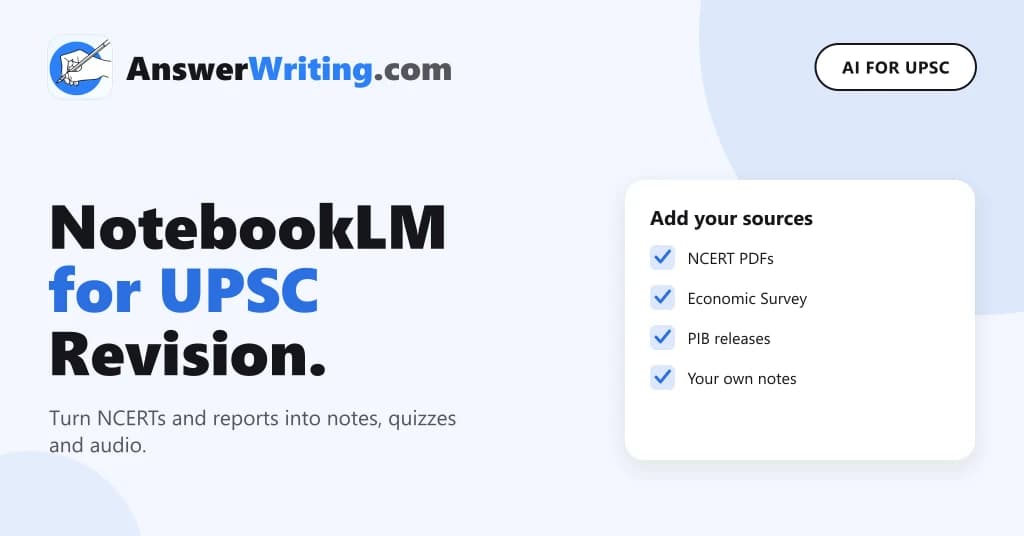
NotebookLM, which Google renamed Gemini Notebook in July 2026, is a Google tool that answers questions using only the files you give it, like NCERT PDFs, the Economic Survey or your own notes. Every answer shows citations, so you can click and see the exact line it came from. For UPSC, this makes it one of the safer AI tools for revision, because you control the sources.
It is the same tool with a new name, so this post uses both names. It shows how to set it up for UPSC, five practical uses and the limits to keep in mind.
How NotebookLM Is Different
Most AI chat tools answer from what they learned on the internet, and they can mix up facts. NotebookLM works differently. You create a “notebook”, add your sources to it, and then ask questions. It answers from those sources and shows numbered citations next to each point.
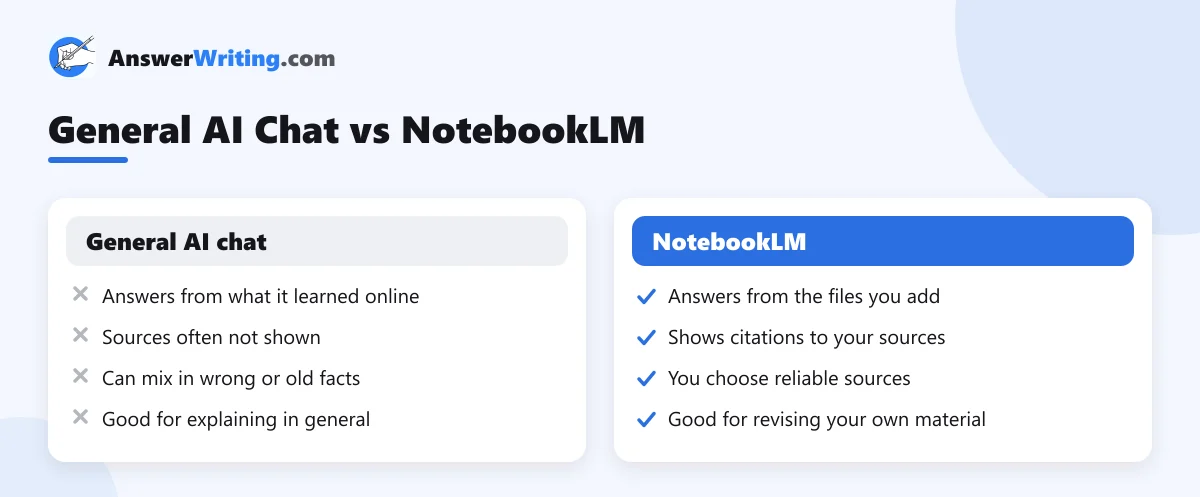
It can still misread a source or summarise it badly, so check the citations for anything important. But the risk is much smaller than with a general chat tool.
Step 1: Build Your UPSC Notebooks
Make one notebook per subject, not one for everything. A small, focused notebook gives better answers.
| Notebook | Sources to add |
|---|---|
| Polity | NCERT Political Science (Class 9 to 12), the Constitution text, your own notes |
| Economy | NCERT Economics, the latest Economic Survey, Budget speech |
| Geography | NCERT Geography (Class 6 to 12), your map notes |
| Current affairs | PIB releases you saved, PRS bill summaries, Yojana articles |
| Syllabus and PYQs | The official syllabus, previous question papers |
Where to get official sources:
- NCERT textbooks are free on the NCERT textbook page.
- The Economic Survey and Budget documents are on indiabudget.gov.in.
- Government press releases are on the Press Information Bureau.
- Summaries of bills and reports are on PRS Legislative Research.
- Previous UPSC papers are on the UPSC question paper page.
NotebookLM accepts PDFs, Google Docs, website links, pasted text and some video links. The number and size of sources per notebook depends on your plan, so check the limits shown in the tool.
Step 2: Five Ways to Use It for UPSC
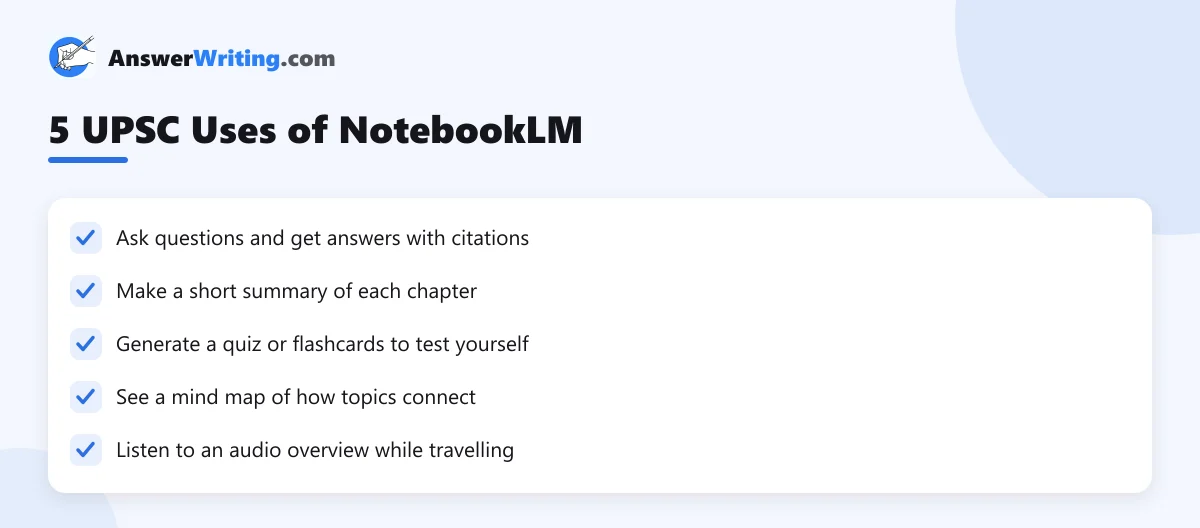
1. Ask questions with citations
Instead of searching through a 300-page book, ask your Polity notebook a direct question:
Prompt: “What does the Constitution say about the removal of a Supreme Court judge? Answer in 5 points with citations.”
Click each citation to read the original line. This also helps you remember where a fact is in the book.
2. Make chapter summaries
Prompt: “Summarise Chapter 3 of the Class 11 Indian Economic Development NCERT in 10 short points for UPSC Prelims.”
Read the summary, then read the chapter. Summaries help with revision, but they are not a replacement for reading the book once.
3. Quiz yourself
NotebookLM’s study tools can make quizzes and flashcards from your sources. Use them after you finish a chapter. Mark the questions you get wrong and go back to those pages.
4. See connections with mind maps
A mind map shows how the topics in your sources link to each other. For a subject like Geography, this can help you see how climate, soils, crops and population connect. Use it as a starting point and then draw your own map by hand, which helps memory more.
5. Revise with audio overviews
Audio overviews turn your sources into a short spoken discussion. They are useful when you are travelling or too tired to read. Treat them as light revision, not as new learning.
Step 3: Use It for Mains Practice
NotebookLM can help you prepare for Mains answers too:
- Add the official syllabus and five years of GS papers to one notebook.
- Ask it to group the questions by syllabus topic. This shows you which topics repeat.
- For a topic, ask your subject notebook for the main facts, examples and data with citations.
- Write the answer yourself, by hand, within the word limit.
Do not ask it to write the full answer for you. Mains tests your writing, and you only improve by writing. Our guide on how to make notes for UPSC Mains explains how to turn sources into notes you can use in the exam.
Limits to Keep in Mind
- It only knows what you add. If your sources are old, its answers are old.
- It can misread tables, maps and scanned PDFs. Check numbers against the original page.
- Free limits and features change over time. Check what your account allows.
- Upload only material you are allowed to use, such as free official documents and your own notes.
For a wider view of where AI fits in your preparation, read our guide on how to use AI for UPSC preparation.
Even with citations, check facts using our AI fact-check checklist for UPSC.
Key Takeaways
- NotebookLM answers only from the sources you add and shows citations.
- Make one notebook per subject with official sources like NCERTs, the Economic Survey, PIB and PRS.
- Use it for questions, summaries, quizzes, mind maps and audio revision.
- Check citations for important facts, especially numbers.
- Write your Mains answers yourself. Use NotebookLM to gather facts, not to write.
Check the Answers You Write
Once your notes are ready, write an answer and get it checked. AnswerWriting’s AI answer evaluation for Mains gives you feedback and a model answer in minutes, for GS, Essay and optionals. Your first three evaluations are free.
Related Reading
FAQs
Is NotebookLM the same as Gemini Notebook?
Yes. Google renamed NotebookLM to Gemini Notebook in July 2026. The tool works the same way.
Is NotebookLM free?
Google offers a free version with limits, and paid plans with higher limits. Check the tool for your current limits.
Can I upload NCERT books to NotebookLM?
Yes. NCERT textbooks are free to download from the NCERT website, and you can add the PDFs to a notebook for personal study.
Is NotebookLM more accurate than ChatGPT for UPSC?
It answers from your own sources and shows citations, so it is usually safer for revising facts. It can still make mistakes, so check important points.
Can NotebookLM answer in Hindi?
It supports many languages, including Hindi. You can ask questions in Hindi, even if your sources are in English.
Should I use NotebookLM for current affairs?
Yes, if you add reliable sources like PIB releases and PRS summaries. It cannot know about news you have not added.